


Hotspot billing and MikroTik automation in one platform
Mnetiflix runs the money side of your WiFi business and the network side on your router from one workspace. Customers pay with M-Pesa, codes appear on your MikroTik by themselves, and you withdraw your earnings. No more handwritten vouchers.

A business workspace: today's M-Pesa sales, the codes they bought, and the router behind them. Sample data.
Built for Kenyan WiFi operators from the first router to the hundredth.
- ~15 min
- to connect a MikroTik
- 30 s
- sync loop for codes and expiries
- 0
- vouchers to write by hand
Connect, sell, and get paid. Mnetiflix works as one loop. Your router comes online, every payment becomes a code on it, and the money lands in your wallet.
FIG 01
Connect
Paste one script into Winbox. Your MikroTik joins over an encrypted tunnel and phones on its hotspot see your WiFi page.
FIG 02
Sell
Customers pick a package and pay by M-Pesa STK push. A confirmed payment creates their code on the router and signs them in.
FIG 03
Get paid
Each sale is credited to your wallet minus commission. Expired codes are removed; you withdraw to M-Pesa.
Captive portal
and packages
Every business gets its own WiFi page with its name, packages and support number, in one of six professionally designed themes. Customers pick a package, pay, and the page signs them in.

Customers online in seconds
Branded WiFi page+
Your page lives at /h/your-name and opens by itself when a phone joins your hotspot. No app, no customer login.
Six designs, your style+
Pick the theme that fits your place, from neon glass to voucher tickets. Each one is a complete design, so your page never looks like the hotspot next door.
Packages and pricing+
Time, speed, data caps and devices per code. Hide a package without deleting it; price changes apply to new sales.
Automatic sign-in+
After payment the code is created on your router and the phone is logged in, so customers never type anything.
Reconnect with a code+
Customers who switch phones or lose the session reconnect with their WiFi code or M-Pesa receipt.
Six designs.
No two hotspots alike.
Every business picks the look of its own WiFi page. These aren't colour swaps: each theme has its own layout, typeface, package cards and background, in light or dark. A café, a hostel and an estate on Mnetiflix each get a page that feels like theirs.
Midnight design
Glass cards on a dark aurora, glowing lime borders and a sliding pill switch.
Switch themes from your dashboard at any time. Your packages, prices and payments stay exactly the same.
Live preview · tap a package to try it
M-Pesa
payments
Customers pay with an STK prompt on their own phone. Every confirmation is checked against the amount and matched to exactly one code.
STK push on paybill or till+
Safaricom Daraja STK push for paybill and buy-goods tills. The customer enters their PIN; nothing else to do.
Payment reconciliation+
Callbacks are idempotent and amount-checked. If Safaricom is slow, the server asks for the status itself.
Recheck from the dashboard+
See every prompt as paid, waiting or failed, with the receipt and the reason, and recheck any that look stuck.
Exports+
Download payments and vouchers as CSV for your accountant, filtered the way you see them.
Routers
and network access
Connect a MikroTik once with a single script. Mnetiflix then creates, expires and removes hotspot users on it for you.
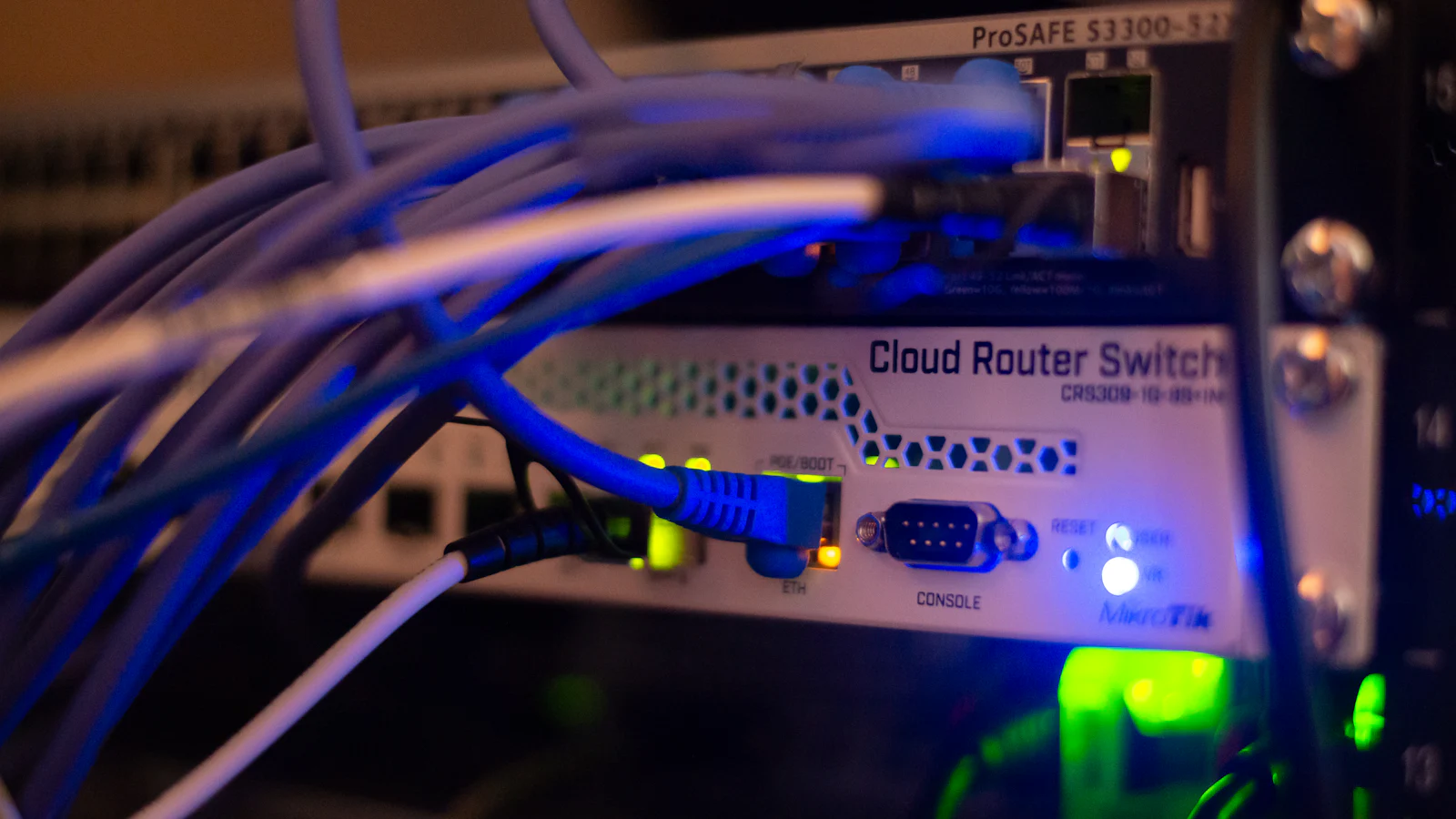
Your MikroTik, managed over an encrypted tunnel
One-paste MikroTik setup+
The script builds the tunnel, the API login, the walled garden and the redirect page. Safe to paste twice.
Encrypted WireGuard tunnel+
Each business gets its own peer and tunnel address. No public IP or port forwarding needed on your side.
RouterOS 7 automation+
Per-package user profiles for speed and devices; codes are created on payment and kicked when they expire.
Offline queue+
If the router is unreachable, paid codes wait in a queue and are pushed automatically when it is back.
Wallet
and payouts
Sales collect on the platform paybill and land in your wallet minus commission. You see every shilling and withdraw to M-Pesa.
Live wallet and statement+
Every sale, commission, fee, payout and adjustment, in order, with the M-Pesa reference.
Withdrawals to M-Pesa+
Request a payout from your dashboard; the platform team sends it and records the M-Pesa code.
Cash sales+
Cashiers issue vouchers for walk-in customers who pay cash, from any phone or laptop.
Teams
and businesses
Run one hotspot or a whole network of them. Owners, cashiers and the platform team each see exactly what they need.
Staff roles+
Owners manage prices, the router and staff. Cashiers sell vouchers and check payments, nothing more.
Multi-business platform+
Each business has its own portal, packages, router tunnel, wallet and staff, fully separated.
Self sign-up with approval+
New operators register online; the platform team approves them before anything goes live.
Activity log+
Payments, router pushes, expiries and staff actions, searchable from the dashboard.
Transparent pricing
Plans visible at a glance.
You pay for the clients you actually serve each month: a flat minimum per service type, then a per-client rate. Every invoice shows the count behind the amount.
KSh 1,000/month
For hotspot-focused operators getting started.
- KSh 13 per hotspot user per month
- KSh 1,000 minimum covers your first 76 users
- Hotspot user management
- Payment and expiry tracking
KSh 1,000/month
For PPPoE operators who need stronger account control.
- KSh 1,000 minimum covers your first 66 clients
- PPPoE client and plan management
- M-Pesa payment workflows
- KSh 15 per client after that, never above KSh 23,000
KSh 1,500/month
For teams running PPPoE, hotspot and static services.
- Hotspot users KSh 13 each (from KSh 1,000)
- PPPoE and static clients KSh 15 each (from KSh 500)
- Hotspot, PPPoE and static workflows
- Tickets, reports and automation tools
Payments collected through Mnetiflix (M-Pesa, card or bank): 3% per transaction, settled to your M-Pesa or bank account. Many sites or your own paybill? Talk to us · 0729540817
Every plan includes
- Unlimited packages, vouchers and staff
- Your own branded captive portal
- Encrypted MikroTik tunnel, no public IP
- M-Pesa STK push with automatic reconciliation
- Payouts to M-Pesa, till, paybill or bank
- Smart TV and device payments by MAC address
- Live dashboard, activity log and CSV exports
Common questions
What is Mnetiflix?+
Mnetiflix is hotspot billing software for WiFi businesses in Kenya. It sells your WiFi packages through M-Pesa on your own captive portal, creates the codes on your MikroTik automatically, and keeps a wallet of what you have earned.
Which routers does it work with?+
MikroTik routers on RouterOS 7 (any hAP, hEX, RB or CCR with the REST API). Routers on RouterOS 6 can be upgraded for free from Winbox in a few minutes.
Do I need a public IP or a static line?+
No. Your router dials out to Mnetiflix over an encrypted WireGuard tunnel, so it works behind any home router, Safaricom Home Fibre, Starlink or a 4G modem.
How do my customers pay?+
With an M-Pesa STK prompt on the phone they are using. They choose a package, enter their number and their PIN, and are online seconds later.
How and when do I get paid?+
Each sale goes into your wallet minus the commission. Request a withdrawal to your M-Pesa number from the dashboard whenever your balance is above the minimum.
What happens if my internet or router goes down?+
Customers who already paid keep their codes. Codes paid while the router is unreachable are queued and pushed as soon as it is back.

Start selling WiFi with M-Pesa this week.
Register, paste one script into your MikroTik, and your first customer can pay the same day.